Select text
Highlight content from any page, document, or thread.
Highlight content from any page, document, or thread.
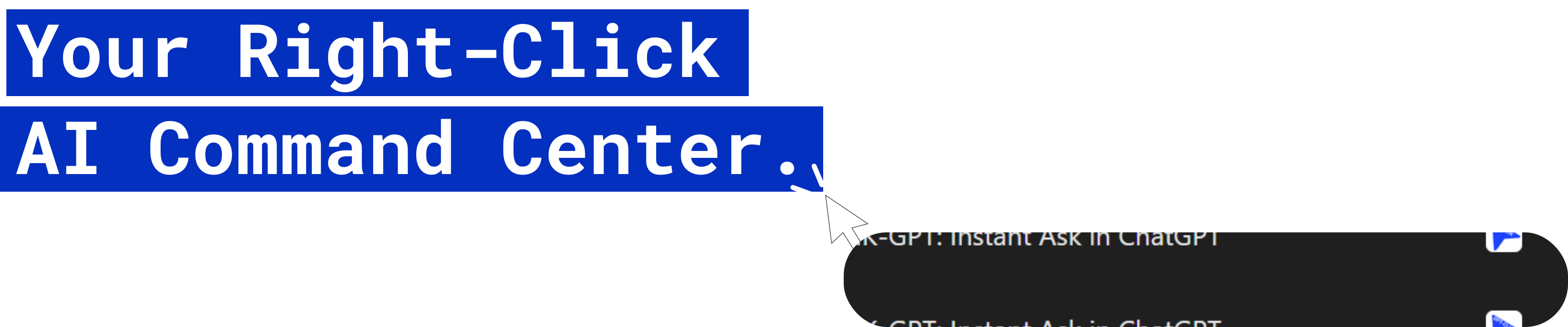
Open the CLIK-GPT context command layer instantly.
Push directly to your selected assistant in your chosen mode.

Best for versatile brainstorming, quick drafting, and creative content generation.

Best for long-form, high-quality, and coherent writing requiring nuanced reasoning and minimal editing.

Best for research-heavy, data-driven content that needs real-time Google Search integration and citations.
Fire prompts in one click.
Refine before you send.
Choose your flow per context.
Keyboard-first flow for speed users who never break momentum.
Optionally route actions into existing conversations where context already lives.
Install once, and make every selected line instantly actionable.